
⚡ QUICK OVERVIEW / KEY HIGHLIGHTS
Google Gemini Free Student Plan : Eligible college students can access a 1-year free subscription to Google Gemini Advanced by verifying their enrollment status through the SheerID portal. To activate, log in with a personal Gmail account, verify your university details, and link a payment method. You will not be billed during the trial period.
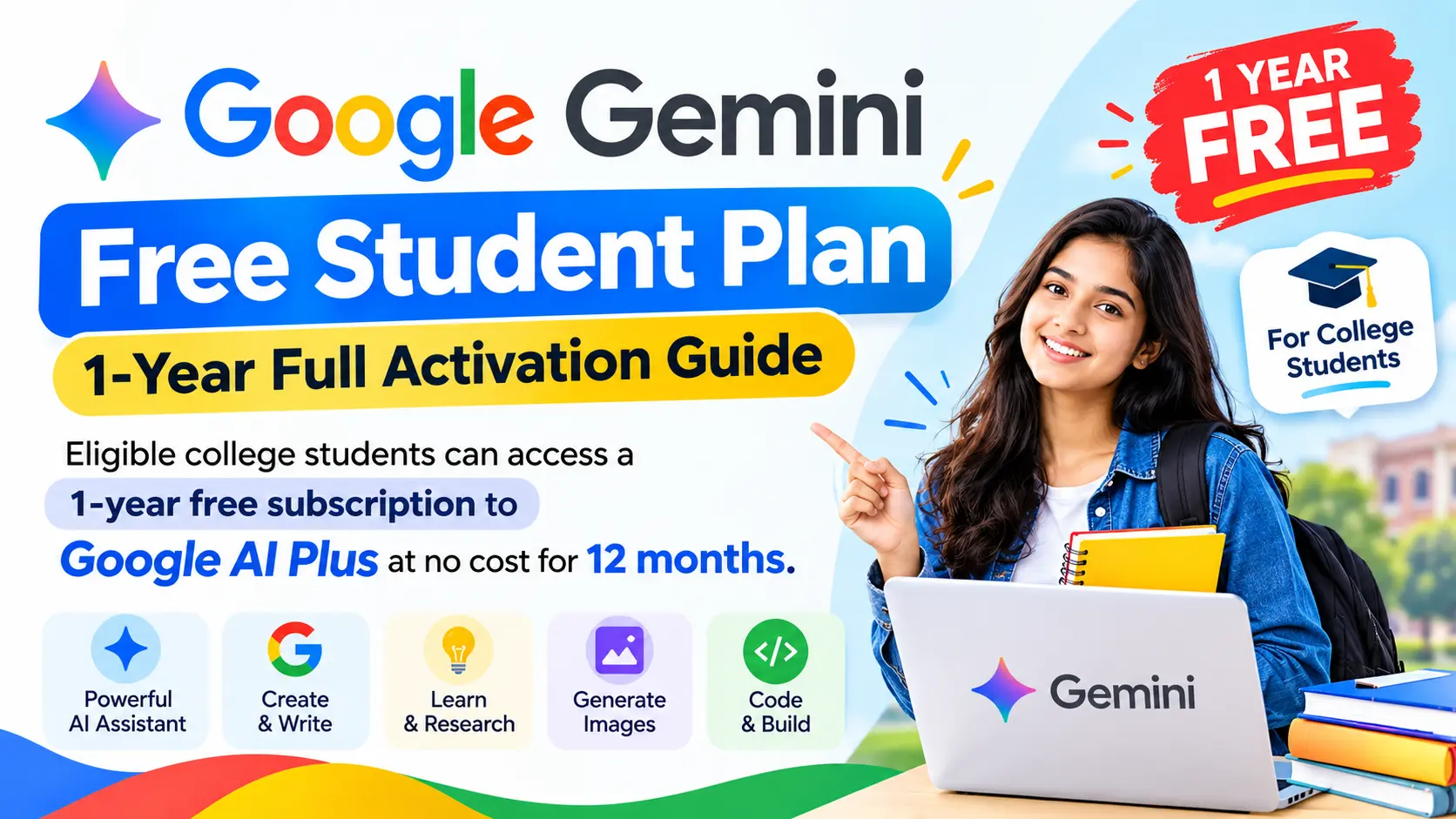
Google provides an exclusive 1-year free student plan that grants eligible college and university learners full access to premium artificial intelligence tools. This offer helps students manage heavy course loads, research papers, and exam preparation more effectively by using advanced AI capabilities at no additional cost for a full 12 months.

What is Included in Google Gemini Free Student Plan
The student program unlocks Google’s advanced AI ecosystem for an entire year. Depending on your region, you gain access to powerful research tools, increased cloud capacity, and smarter AI model performance. Key benefits of the program include:
- Higher Usage Limits: Access advanced AI models with up to 4x higher usage limits to ensure your research work remains uninterrupted.
- Study Notebooks: Upload syllabi, PDFs, and lecture notes to generate custom flashcards, practice quizzes, and summaries.
- Interactive Visualizations: Create 3D simulations and charts to help simplify complex economic, mathematical, or scientific concepts.
- Cloud Storage: Benefit from substantial cloud storage, ranging from 400 GB up to 5 TB, to keep your college files secure.
Eligibility Criteria for Google Gemini Free Student Plan
Before you begin the activation process, ensure you meet the requirements set by Google and their verification partner, SheerID. If you do not meet these criteria, you will not be able to claim the offer.
ALSO READ:
| Criteria | Requirement |
|---|---|
| Enrollment Status | Actively enrolled at a degree-granting higher education institution. |
| Account Type | Must use a personal @gmail.com account. |
| Age Requirement | Must be 18 years or older. |
| Verification Method | Enrollment must be verified via the SheerID portal. |
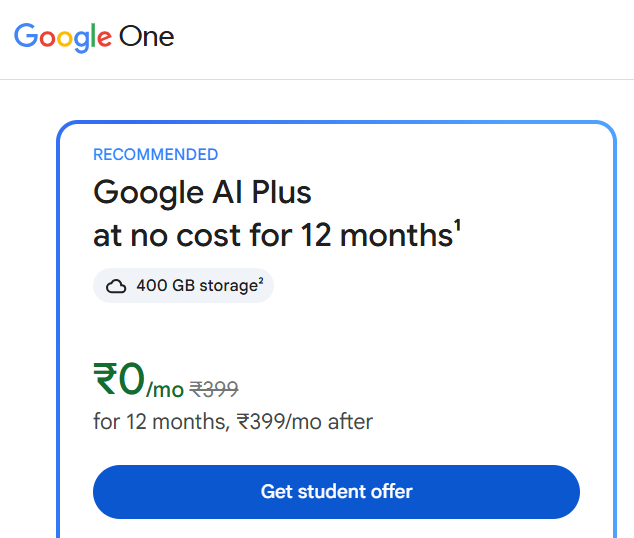
Step-by-Step Activation Process
Follow these steps exactly to activate your subscription and avoid common errors. Use an incognito browser window to ensure no other profiles interfere with the verification process.
Step 1: Access the Student Hub
Visit the official Gemini for Students Hub. Ensure you are signed out of all other Google accounts before entering the portal.
Step 2: Sign In with Personal Gmail
Click the claim button and log in using your personal Gmail address. Do not use your university-issued email, as the subscription must be tied to your personal Google account.
Step 3: Complete SheerID Verification
Google uses SheerID to confirm you are a real student. Enter your university name and personal details. If your school uses an automated email portal, verification may happen instantly. If not, upload a student ID, fee receipt, or enrollment letter. These manual reviews are typically completed within 48 hours.
Step 4: Link a Payment Method
You must add a valid payment method like a credit card or debit card. You will not be charged during the 12-month trial. Google requires this to facilitate the auto-renewal process after the year concludes. Set a calendar reminder to manage or cancel your subscription before the trial period expires.

Troubleshooting Common Issues for Google Gemini Free Student Plan
If you encounter errors, check these common solutions:
- “Offer Not Available”: This often occurs if you are using a VPN or if your Google account country does not match your current location. Turn off your VPN and confirm your region settings.
- Family Groups: If your account is part of a Google Family sharing group, you may need to leave the group to qualify.
- Existing Subscriptions: If you already have a paid Google One plan, you must cancel it and allow it to fully expire before you can redeem this free offer.
Official References for Google Gemini Free Student Plan
| Resource / Authority | Official Link & URL |
|---|---|
| Google One AI Student Hub | Activate Now |
| SheerID Verification Portal | https://sheerid.com |
| More Job Updates | Join Now |
Frequently Asked Questions
Can I use my university email address for the Gemini offer?
No, you must sign up using a personal Google account (@gmail.com). University-issued accounts are not supported for this specific promotion.
Is the 1-year Gemini student plan actually free?
Yes, it is free for the first 12 months. However, you must link a payment method, and the subscription will convert to a paid plan automatically after one year unless you cancel.
How long does SheerID verification take?
If you verify via an automated link, it is often instant. If you need to manually upload documents, the process typically takes up to 48 hours.
What happens after the 1-year free period?
The subscription will automatically renew into a standard paid monthly plan. It is recommended to set a reminder to cancel the subscription before the 12 months are up if you do not wish to be charged.
Why do I need to provide a payment method for a free offer?
Google requires a payment method on file to manage the transition from the free trial period to the standard paid subscription model. You will not be billed during the trial.